Switches: What You Need to Know to Keep Your Network Running Smoothly
In the world of high-speed Internet and large volumes of data reliable network is what keeps your business or home afloat. But what to do when one router is no longer enough and you need more ports for different devices? Here comes the scene switchboard. It is a small but powerful device that ensures a harmonious operation of the network. Let's consider what is important to know when choosing a switch.
Types of switches: variety and features of network equipment
Switches play an important role in networking technology, but not all switches are created equal. Each type has its own unique characteristics that influence the choice for effective network operation. The main division is on керовані та некеровані switches Unmanaged are suitable for home use by simply connecting devices. Managed ones allow you to configure each port separately and control traffic, which makes them ideal for offices and large businesses.
Choosing the right switch is critical to network optimization. If you need more control, you should choose a managed switch. It not only allows you to optimize the network, but also improves its protection, which is especially important for business environments. Understanding the difference between switch types will help you make the right choice for your needs and ensure your network infrastructure runs efficiently.
Number of ports: the optimal choice for an efficient network
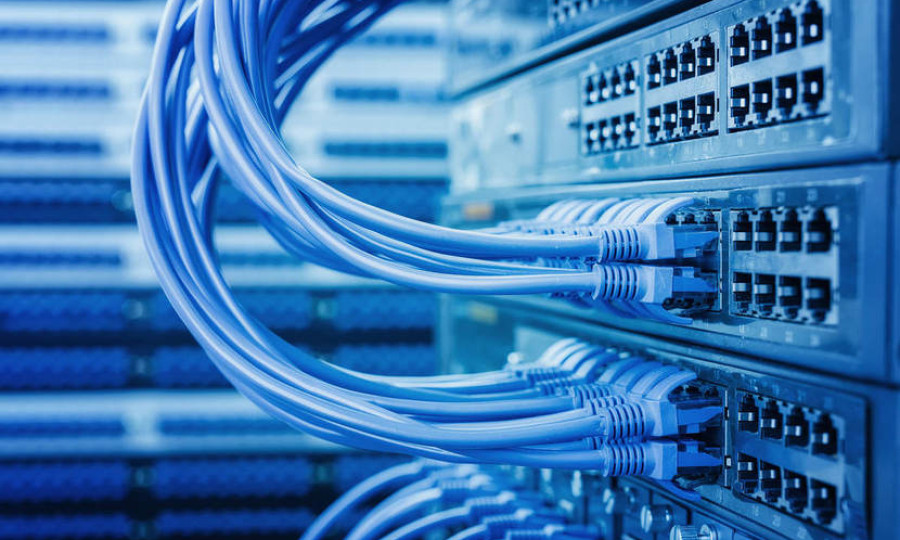
The number of ports is a key factor when choosing a switch, determining the ability to connect devices to the network. Switches are offered with varying numbers of ports, from 5 to 48 or more, depending on the needs of the network infrastructure. For small networks and home use, 5-8 ports are enough, medium offices may need 16-24 ports, and large corporate networks and data centers - 24-48 ports and more. The choice of the optimal number of ports depends on the current needs and prospects for network expansion.
When choosing a switch, it is important to consider not only the number, but also the type of ports. Modern models often offer a combination of standard Ethernet ports and higher speed ports for servers or trunks. It is recommended to choose a model with a small supply of ports for future expansion, but without significantly exceeding the actual needs. The right choice will ensure the efficient operation of the network infrastructure and the ability to scale it, balancing the current needs, the potential for expansion and the efficiency of network management.
Data transfer rate: the basis of stability
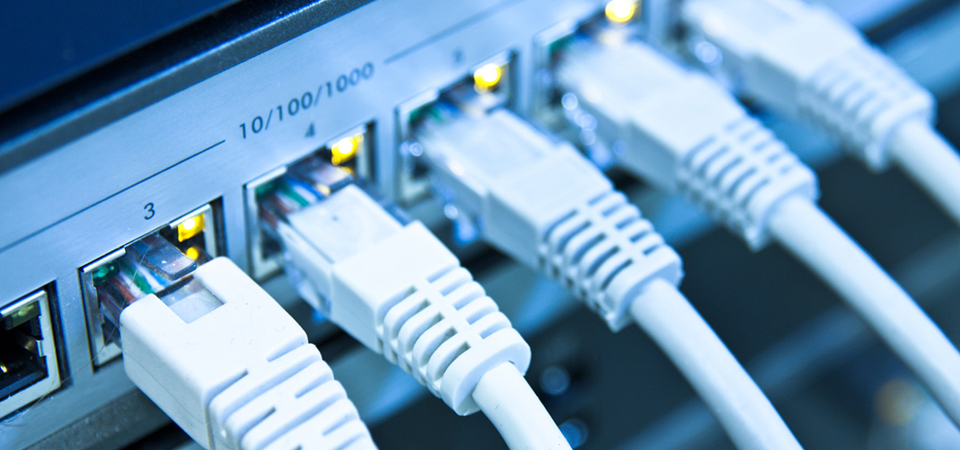
For switches, transmission speed is not only the number of megabits per second, but also network bandwidth. For heavy traffic, choose gigabit switches that transfer data faster and without delays.
Important insider: A gigabit switch is an ideal choice for offices with high requirements for network speed and stability. For home use, the standard 100 Mbps is often sufficient.
When choosing a switch, it is important to consider not only the number, but also the type of ports. Modern models often offer a combination of standard Ethernet ports and higher speed ports for servers or trunks. It is recommended to choose a model with a small supply of ports for future expansion, but without significantly exceeding the actual needs. The right choice will ensure the efficient operation of the network infrastructure and the ability to scale it, balancing the current needs, the potential for expansion and the efficiency of network management.
Additional features that make life easier
Modern switches have many additional functions. For example, PoE (Power over Ethernet) allows you to power devices without separate cables. This is convenient for network cameras, VoIP phones or access points that can be powered by a switch.
PoE greatly simplifies network management and reduces the number of cables - ideal for offices and spaces where order is important.
Choosing a switch is like putting together a puzzle for a stable and reliable network. The right device will increase your productivity, keep your connection stable and help you optimize your devices, no matter where you use them - at home or in the office.



Leave a Reply